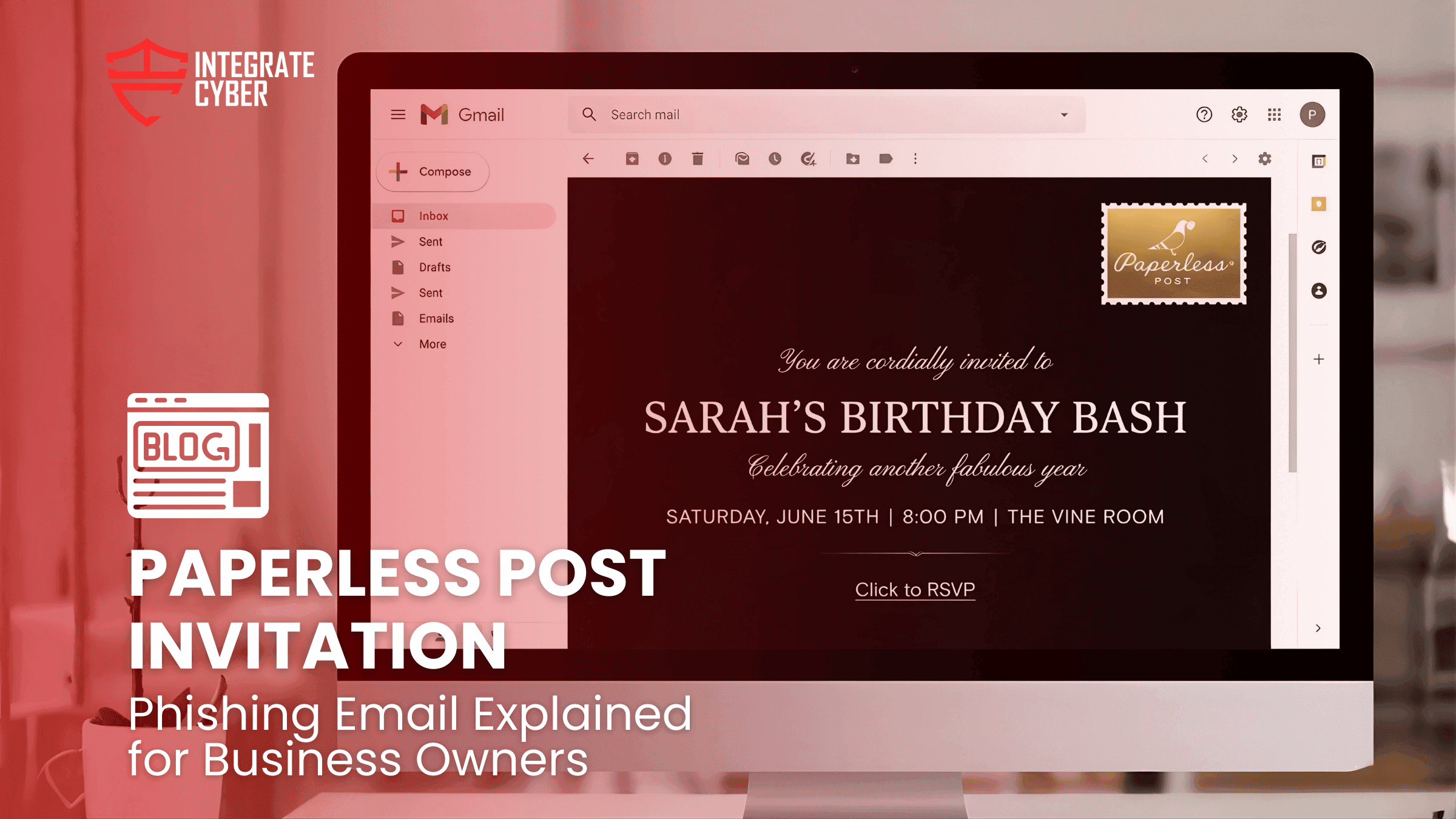

Perhaps some of you recently received an event invitation that looked completely normal.
It appeared to come from someone you know.
It used a familiar platform you’ve seen many times before.
At first glance, nothing looked wrong.
In some cases, the “sender” is not even aware invitations are being sent in their name.
That is what makes these modern phishing attempts effective.
The message asks you to view the event or RSVP. You click the link expecting to see the invitation… but instead the page behaves differently. It may ask you to sign in, create an account, or trigger something unexpected.
That moment catches people off guard.
Your first reaction might be panic. Did I just click something I should not have?
The real lesson here is simple. Phishing today rarely looks suspicious at first glance. It often arrives through well known platforms, familiar formats, and contacts you recognize.
Understanding Paperless Post Invitation Phishing Emails
What a Paperless Post phishing email actually is
A Paperless Post phishing email is a message designed to look like a legitimate event invitation. It appears to come from someone you know and often uses a recognizable invitation platform.
Instead of leading to a real invitation, the link directs you to a page that attempts to collect login credentials, prompt an unexpected download, or redirect you somewhere unrelated to the invitation.
Because the format mirrors a normal social invitation, most people approach it casually. That is exactly what the attackers rely on.
Nothing about the email looks urgent or threatening. It simply asks you to view an event or RSVP.
That familiarity lowers your guard.
Most phishing attempts today rely less on technical tricks and more on normal looking communication. The invitation scenario works well because people are used to receiving digital invites from friends, coworkers, or event organizers.
The attack usually follows a predictable pattern.
The email looks like a standard invitation notification. It may reference an event, include the sender’s name, and contain a button to view the invite.
In many cases the sender address appears believable. Sometimes the attacker is even using a compromised account, which makes the message feel authentic.
The recipient clicks the link expecting to see an invitation page. Instead they may encounter a login prompt or another page asking for information.
At that moment, people often assume the platform simply requires a sign in.
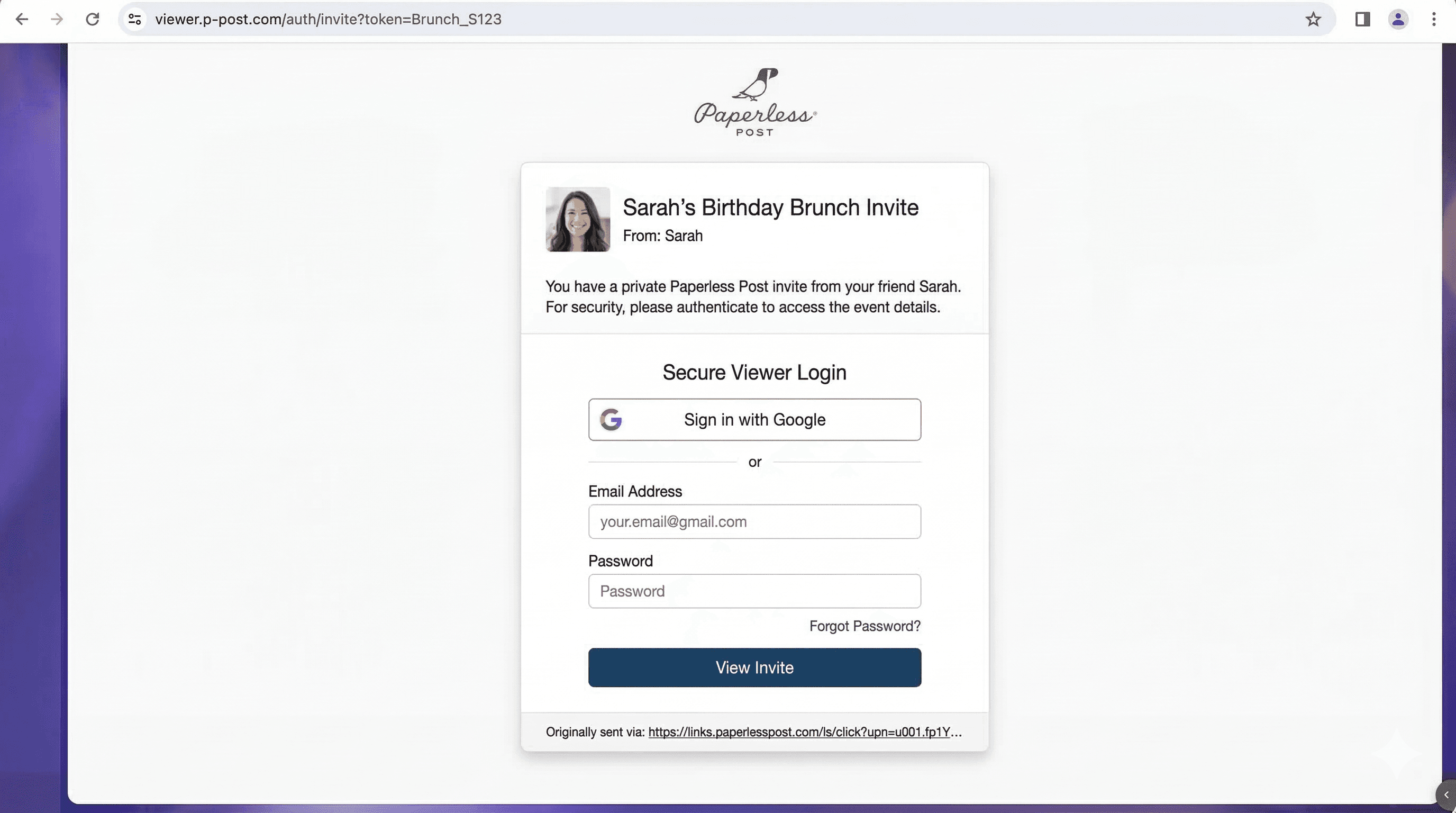
One confusing part of these scams is that the sender listed in the invitation might be completely unaware.
Attackers sometimes send invitations that appear to come from someone the recipient knows. Other times they rely on compromised accounts or scraped contact lists.
The result is the same. The recipient sees a familiar name and assumes the invitation is legitimate.
That familiarity is what pushes people to click without a second thought.
Most people expect phishing emails to look suspicious. Strange wording. Obvious scams. Poor formatting.
Modern phishing rarely looks like that anymore.
Instead it blends into everyday communication. Calendar invites. Document shares. Event notifications. Account alerts.
An invitation is especially effective because it does not feel like a business message or a security situation. It feels casual.
The real failure point usually happens in the first few seconds. People click before asking a simple question.
Was I expecting this message?
If the answer is unclear, that is often the signal to pause.

Business owners and teams receive dozens or hundreds of emails every day. No one has time to investigate every message in depth.
Fortunately, most incidents are prevented by a quick mental check before clicking.
Before interacting with an invitation, document, or shared link, pause and ask three quick questions.
Was I expecting this message?
Does the link or login request look unusual?
Can I verify the sender another way?
If even one of those checks feels uncertain, treat it as a red flag.
A short pause often makes the difference between a harmless email and a security incident.