
Spam is more than an inbox annoyance. It interrupts work, breaks focus, and increases the odds that someone clicks the wrong message in a hurry. Over a week or a month, that lost time and extra risk add up.
Most small businesses do not struggle with spam because they are careless. They struggle because email quietly became the center of operations… quotes, invoices, approvals, calendars, passwords, all in one place. When everything flows through the same inboxes, even small habits have big effects over time.
This guide explains why spam creates real business risk and walks through simple, practical steps owners can use to reduce it. The goal is to keep email usable and safer, without turning it into a technical project or a new piece of software to manage.
Why Spam Creates Real Risk for Small Businesses
Spam is not just clutter. It increases the chances of missed invoices, delayed responses, and employee mistakes. Important client emails get buried. Staff skim faster, trust the inbox less, and are more likely to click something they should not.
That same noise creates a perfect cover for impersonation and scams. A fake invoice or a fake “password reset” looks more believable when inboxes are already full of low-quality messages. It only takes one convincing email to cause a problem.
According to guidance from the Federal Trade Commission, phishing emails remain one of the most common ways scammers trick people into sharing login details or financial information. When those details belong to shared business accounts, the impact is bigger than one person’s inbox.
For a small business, a single successful scam can delay payments, expose client information, and pull key people into cleanup instead of serving customers. Reducing spam is about lowering that everyday risk while keeping work moving.
You do not need advanced tools to cut down spam. You need a few consistent habits that everyone in the business can follow without extra training. When these habits are clear and written down, staff can make better decisions in seconds.
Start with two goals:
Limit where your primary business addresses appear.
Avoid “teaching” spammers that your addresses are active and worth targeting.
The following two areas are where owner habits matter most.
Email addresses spread farther and faster than most owners realize. They are collected through online purchases, downloads, newsletter signups, event registrations, and public websites. Once an address circulates through marketing lists and data brokers, it is almost impossible to pull it back.
You can reduce that exposure with a few simple standards that every employee can follow:
Use a separate email for signups and downloads
Create a generic “signup” address for vendor accounts, free trials, and downloads. Keep your main sales, finance, and leadership addresses out of forms whenever possible.Review opt-in boxes before submitting forms
Many forms quietly subscribe you to multiple lists with pre-checked boxes. Make it standard practice to uncheck anything that is not required for the service you actually want.Avoid posting primary business emails publicly
On your website, use role-based addresses (info@, billing@) instead of personal inboxes. For some pages, a contact form can replace a visible email address entirely.
These steps do not eliminate spam, but they slow down how quickly your most important inboxes get polluted. That alone makes everything else easier to manage.
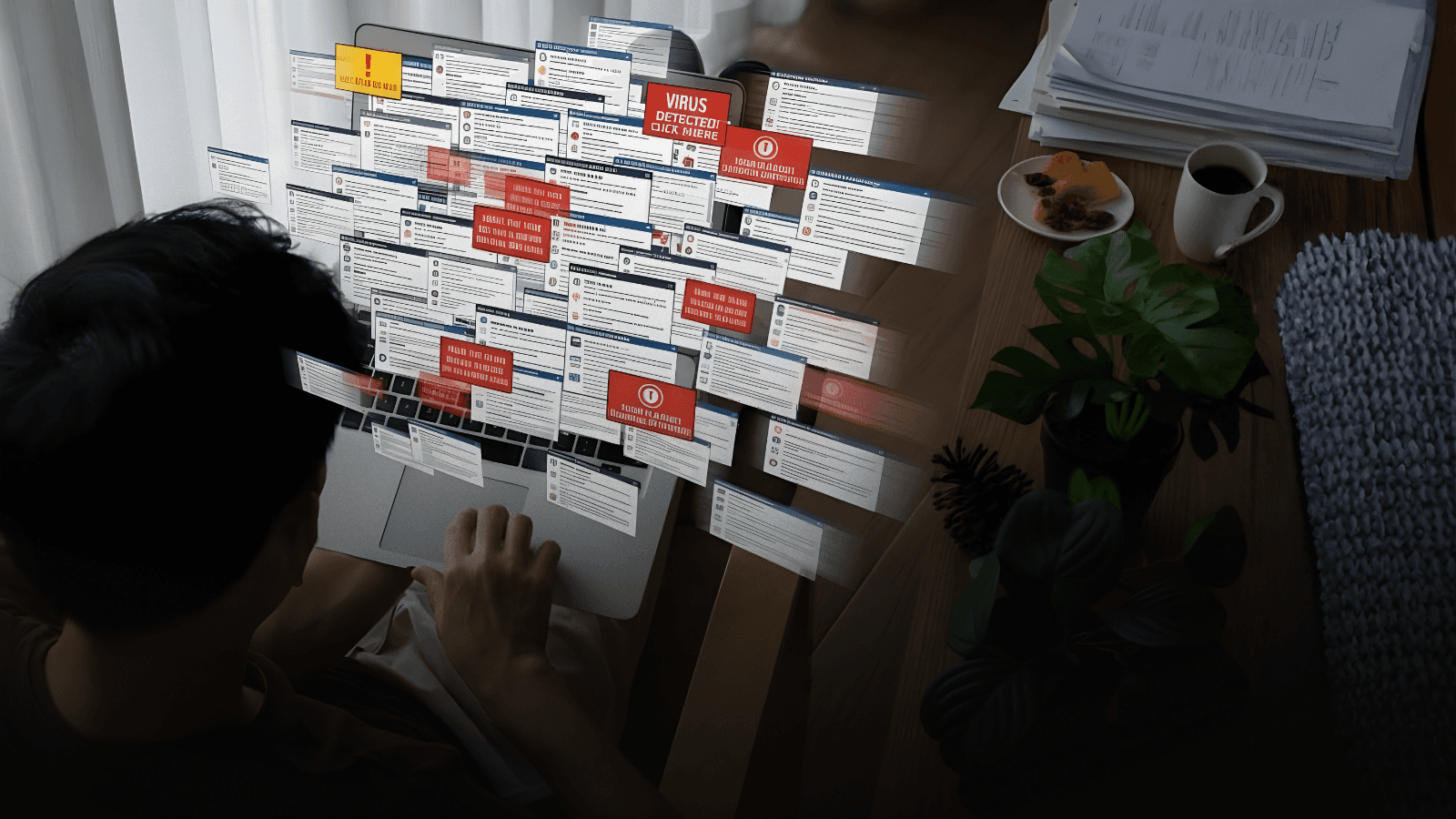
What your team does with suspicious emails matters as much as how they arrive. Opening, replying to, or clicking “unsubscribe” on shady messages often signals that an address is active. That can result in even more spam, not less.
Consumer protection guidance recommends deleting suspicious emails without opening them and only unsubscribing from senders you recognize and trust. Anything that looks off, rushed, or unrelated to your actual work is safer in the trash than in the “unsubscribe” process.
Simple rules help here:
Do not reply to unknown or strange senders.
Do not click “unsubscribe” unless you know the organization and remember signing up.
Do not open attachments or click links if the email does not clearly relate to current work.
Over time, these small choices change the volume and type of messages that reach your team. You get less junk that needs judgment and more time for real work.
Most real-world cyber incidents in small businesses start with something ordinary… a message that looks like a routine notice, a vendor update, or a payment request. Spam makes it harder for staff to separate real from fake, especially when they are moving quickly.
Here is what often happens in practice:
A shared inbox receives a mix of genuine client messages and low-quality marketing.
A fake “account update” or “invoice attached” email lands in the same inbox.
The subject line sounds familiar, the sender looks close enough, and staff are under time pressure.
One click leads to a login page or an attachment that hands access to an attacker.
Once an attacker has access to a mailbox, they can quietly reset passwords, watch ongoing conversations, and send convincing messages from your real address. That is where operational problems start… misdirected payments, changed bank details, or unauthorized changes in systems that rely on email-based resets.
CISA consistently notes that email is still one of the most common entry points for attacks against businesses of all sizes. Reducing spam volume and tightening habits around suspicious messages lowers the odds that someone clicks a harmful email on a busy day.
You do not need to turn staff into security experts. You just need to make their inbox environment less noisy and give them a small set of “always/never” rules they can follow without thinking.

Spam does not just create security exposure. It also drags on productivity. When important messages are buried, people spend more time searching and second-guessing their inboxes and less time serving customers. That raises stress for everyone, including you.
A simple email structure makes a noticeable difference:
Use generic public emails instead of personal inboxes
Publish addresses like info@, support@, or billing@ for the website and social media. This keeps marketing messages and general inquiries out of individual inboxes.Automatically route public inquiries to filtered folders
Set up simple rules so that emails sent to public addresses land in dedicated folders. Staff can check these on a schedule instead of being interrupted all day.Reserve primary inboxes for real business communication
Encourage employees to keep their direct inboxes for customers, internal communication, and key suppliers. Everything else should go to shared or filtered addresses.
When email is organized this way, people can trust that their main inbox contains work that genuinely needs their attention. That reduces distraction, lowers error rates, and makes it easier for you to step in or monitor activity when needed. Less noise means fewer surprises and less owner stress.